View
The layer and visualization level lets you work with datasets from the same project and present them in different ways to suit your needs.
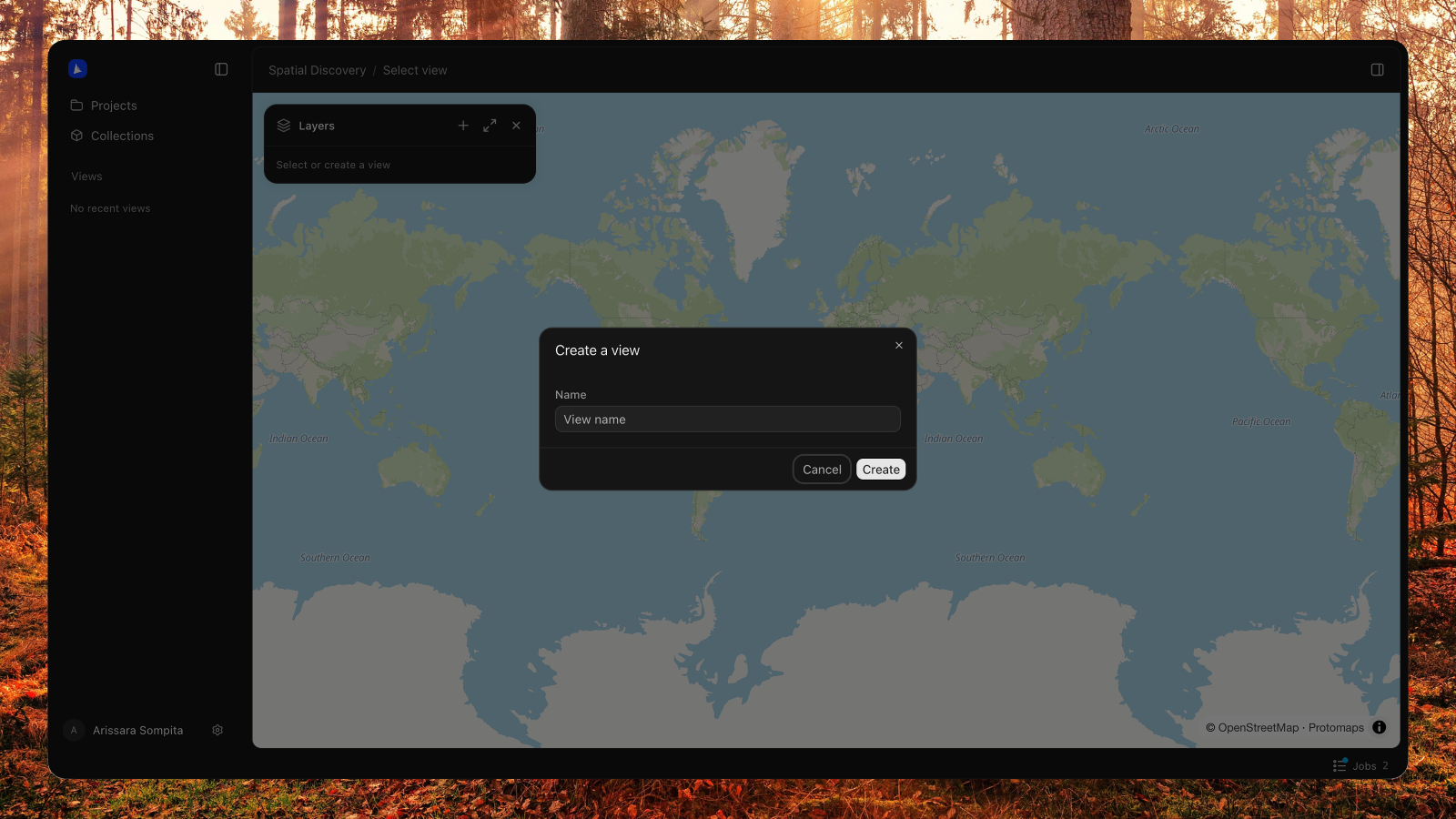
Step to Create a View
- In the collapsible panel, hover over View to show the plus (+) button, then click it to create a new view.
- Enter a name for the view.
- Click the Add data button and select the data to display in the view.