Projects
Organize your solutions into projects to make data easier to manage and share, and to track usage and access in one place.
A project is the top level of data organization. Within each project, data is grouped into collections: folders that store your geospatial datasets by category, making them easier to move and to use when creating layers.
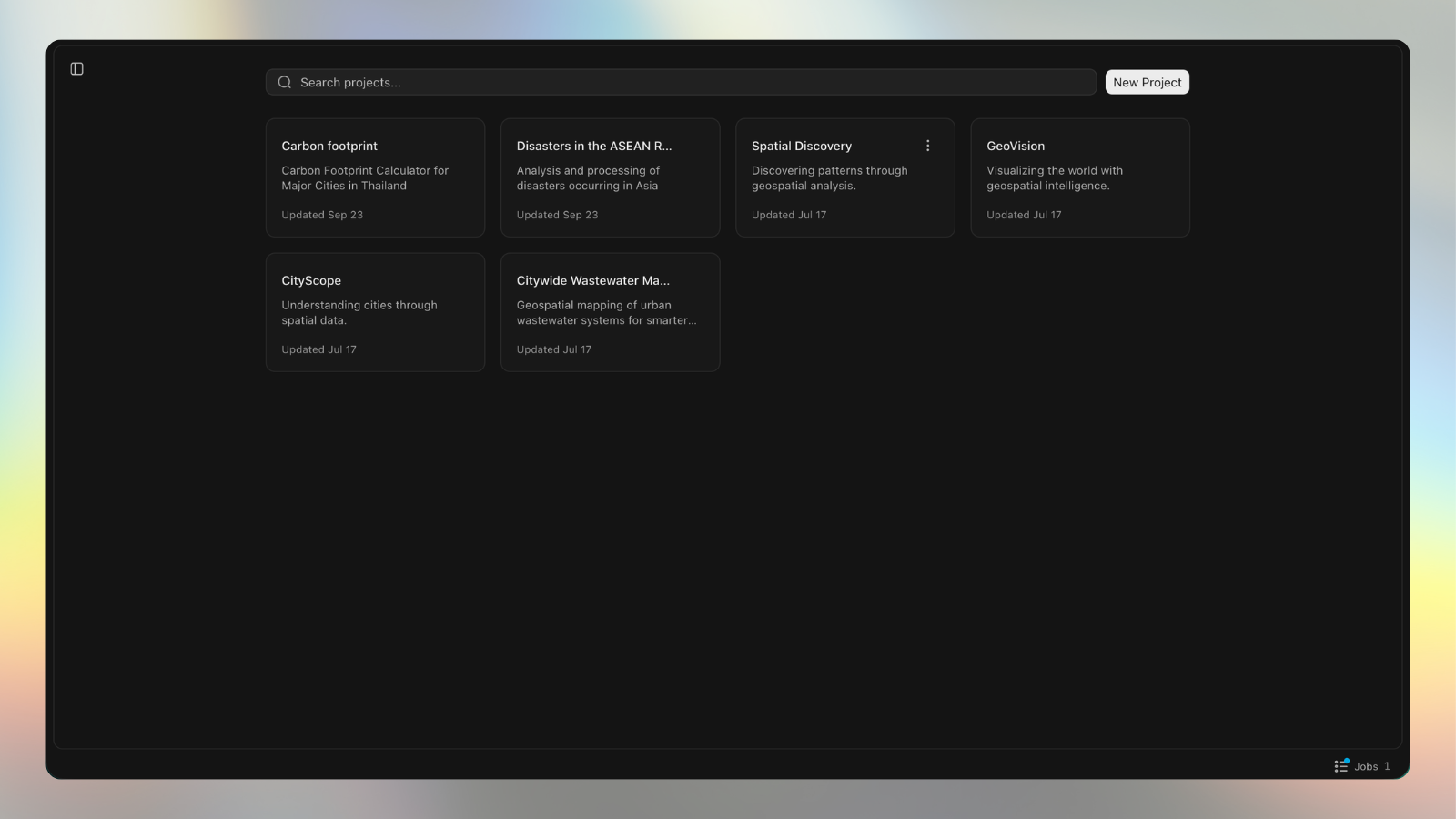
Step to Create Projects
Let's first project with "Create Project" follow this step by step.
- Click the New Project button.
- Enter a project name and, if needed, a description.
- Click Create Projects to create the project.
To edit or delete a project, click the More Options button and select the action you want.